Quick Scan
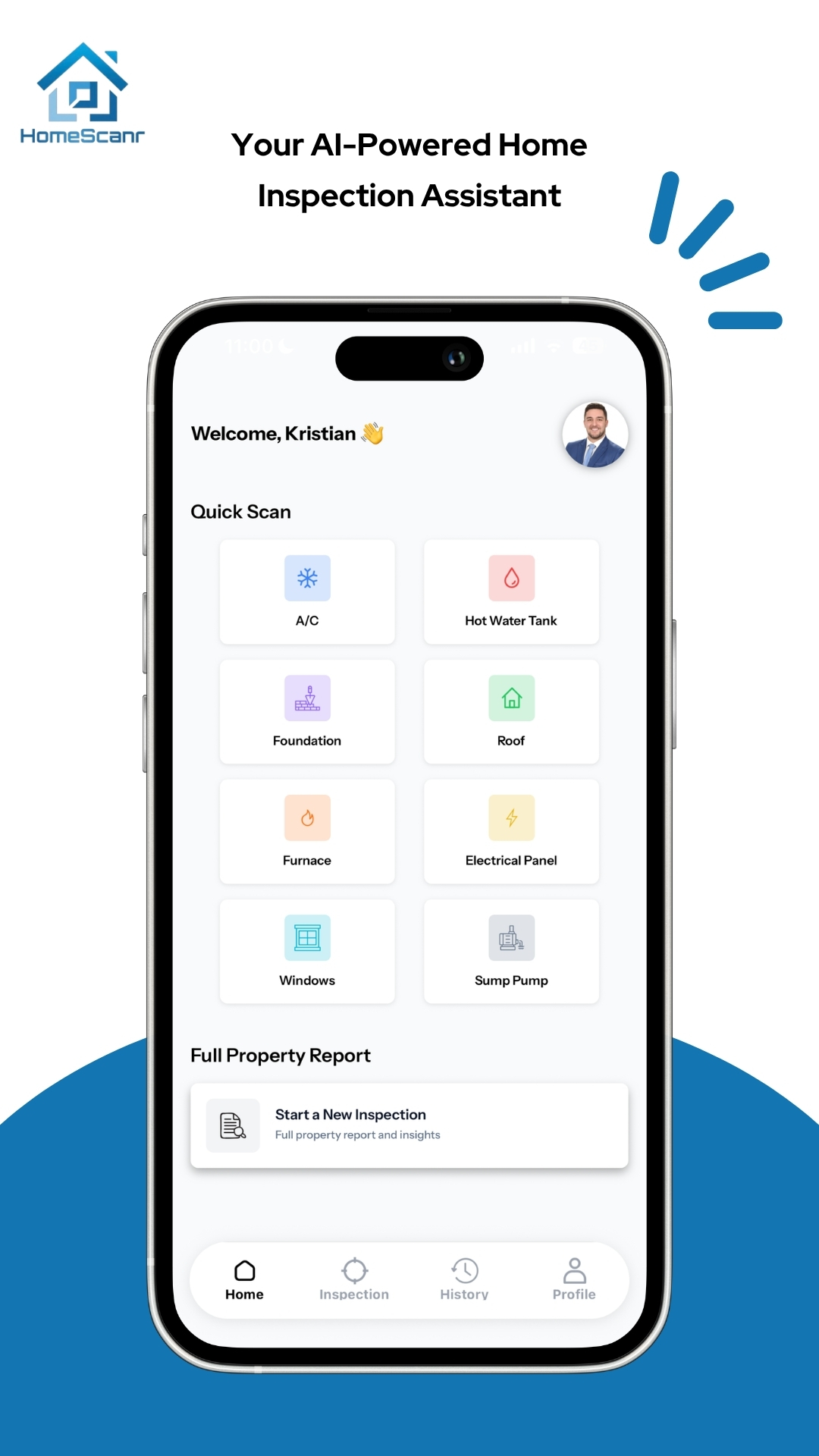
Capture a component and ask a specific question. Use the AI-assisted response to organize what you want to verify next.
Try: “What information can you read from this equipment label?”

HOMESCANR FOR REALTORS
Turn photos of visible home components into organized, AI-assisted insights. Answer a focused question with Quick Scan, or follow the guided flow for a branded property report.
iOS & Android · Built by Realtors, for Realtors
ONE QUESTION OR A WHOLE PROPERTY
Capture a component and ask a specific question. Use the AI-assisted response to organize what you want to verify next.
Try: “What information can you read from this equipment label?”
Work through major home systems using a guided photo flow. Review the observations in a structured report, with your agent branding.
Useful when you want a property-level record to revisit and discuss.
BRANDED PROPERTY REPORTS
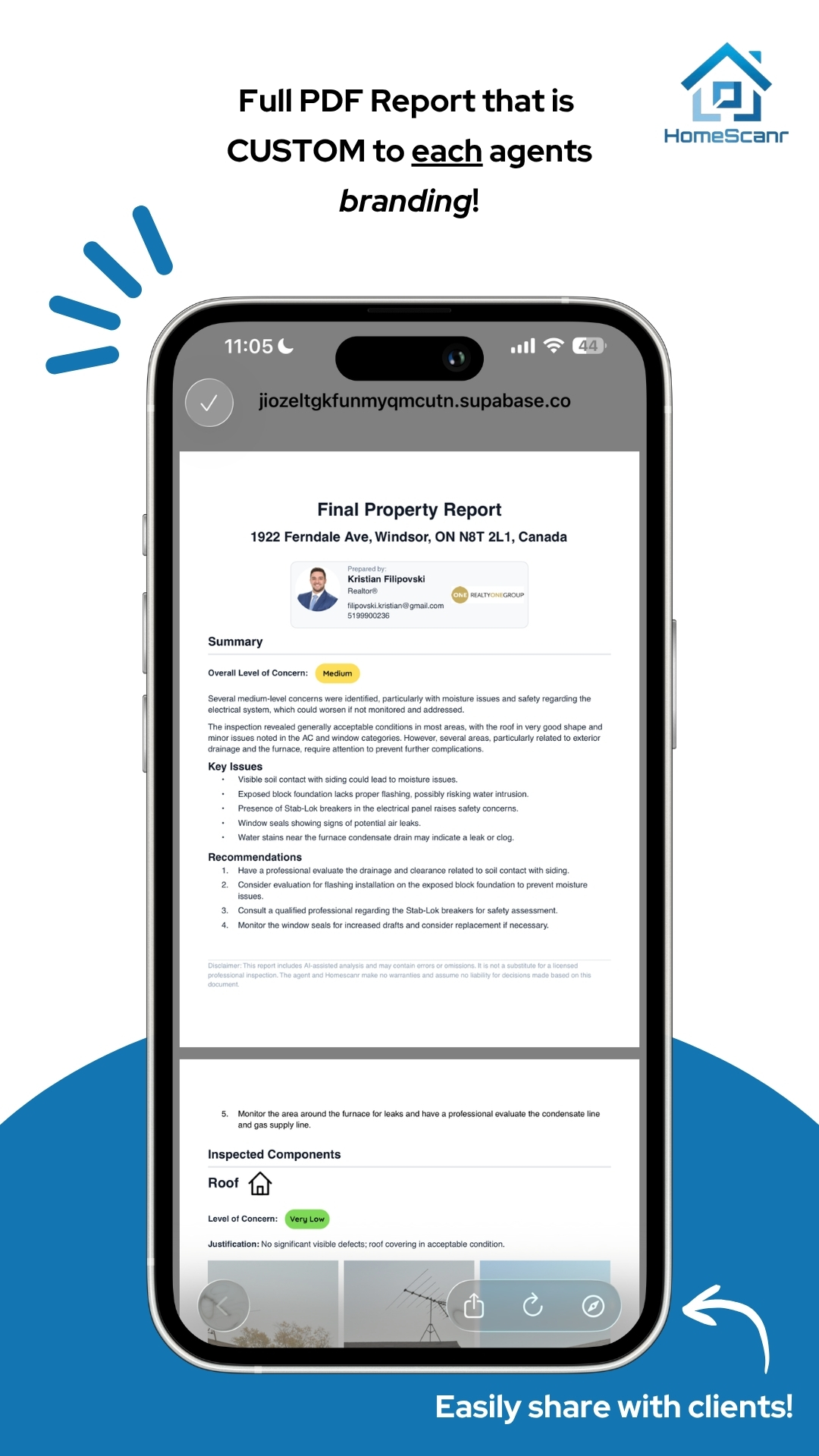
Keep the property details and observations together. HomeScanr supports branded, shareable PDF reports with your avatar, brokerage logo and contact information.
Photo-based analysis can miss hidden issues and make mistakes. Have condition and safety concerns assessed by a qualified professional.
FREE SHOWING RESOURCE
Use our showing photo checklist online or download the printable version. Keep context, labels and follow-up questions organized.
Open the free checklist ↗A FEW THINGS TO KNOW
No. It provides AI-assisted insights from photos of visible conditions. It does not replace a certified home inspection, specialist assessment or a safety evaluation.
HomeScanr supports an agent avatar, brokerage logo and contact details on shareable PDF reports. Review the report before sharing it.
The app offers Equipment Age Decode for supported equipment labels. Photograph the nameplate clearly and verify an uncertain result against records or manufacturer information. See the equipment-age workflow.
Download the app to see current subscription options, trial eligibility and usage limits for your platform. Some features require a subscription or in-app purchase.
YOUR NEXT SHOWING
Get HomeScanr for iOS or Android. Subscription options, trial eligibility and usage limits are shown in the app before purchase.