One component, one clear question
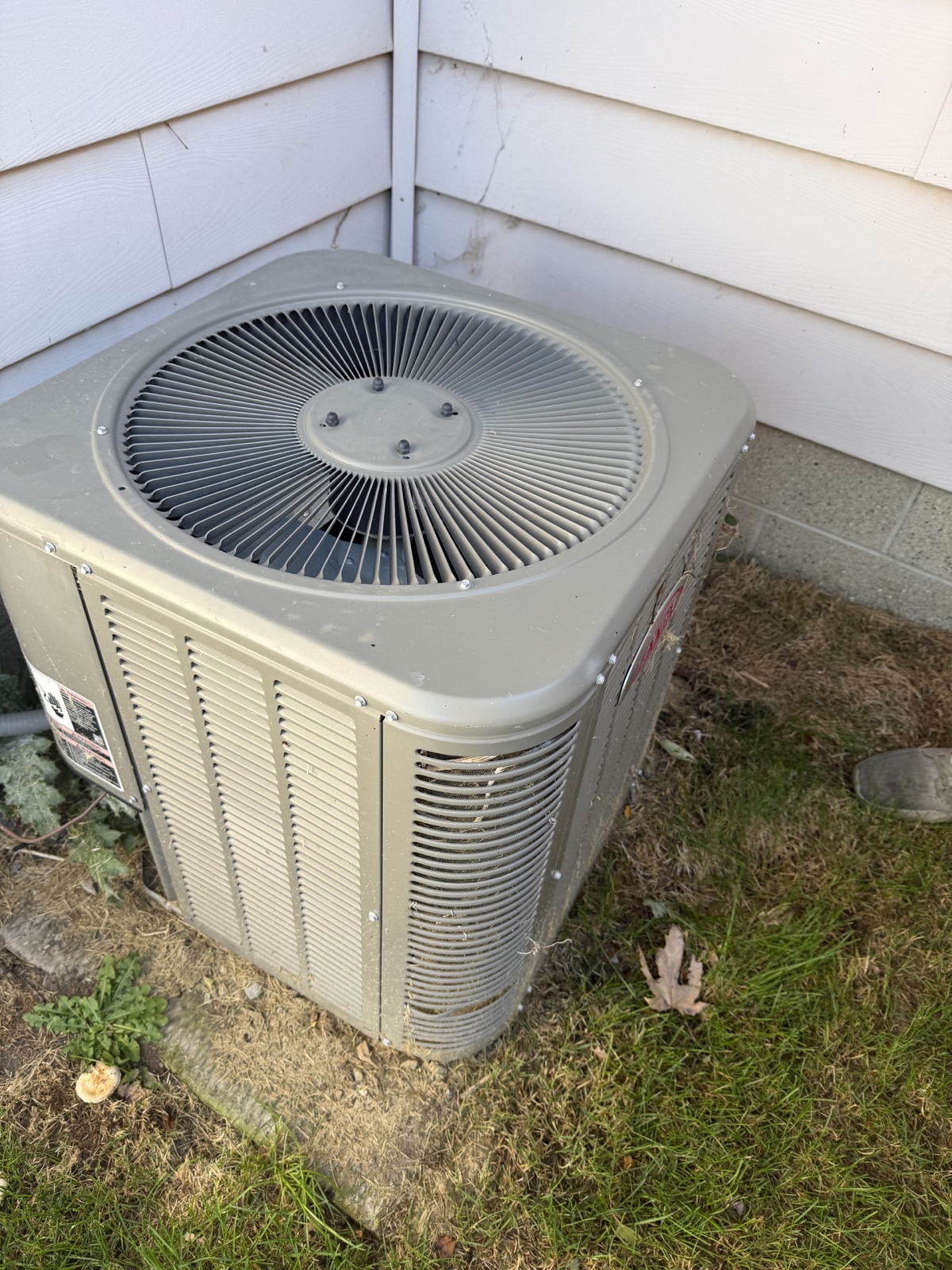
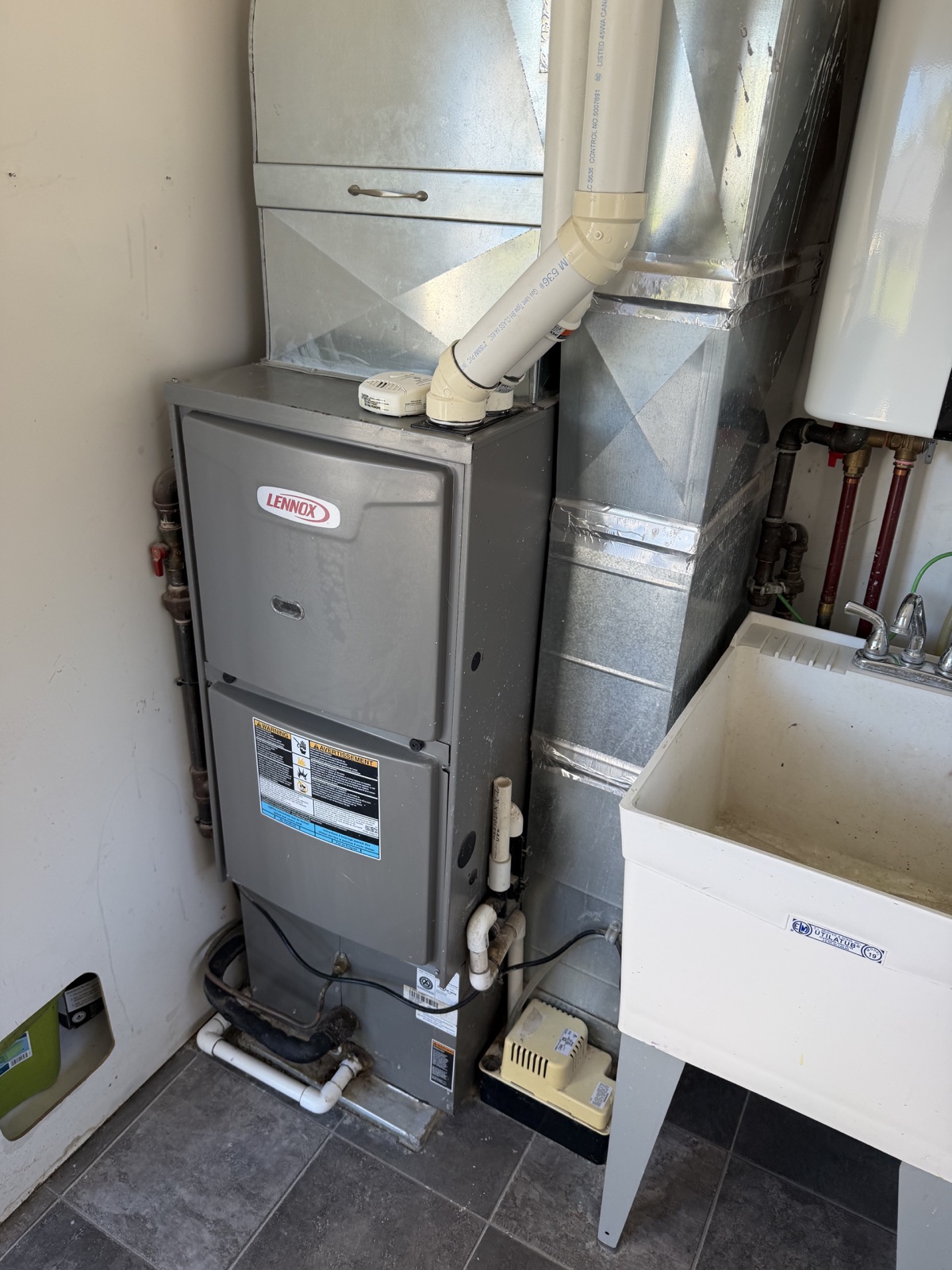
Start with the question you actually need answered. ‘What information can you read from this label?’ is more useful than collecting a roomful of unrelated photos. A label close-up and a wider context photo give you a clearer record to revisit.
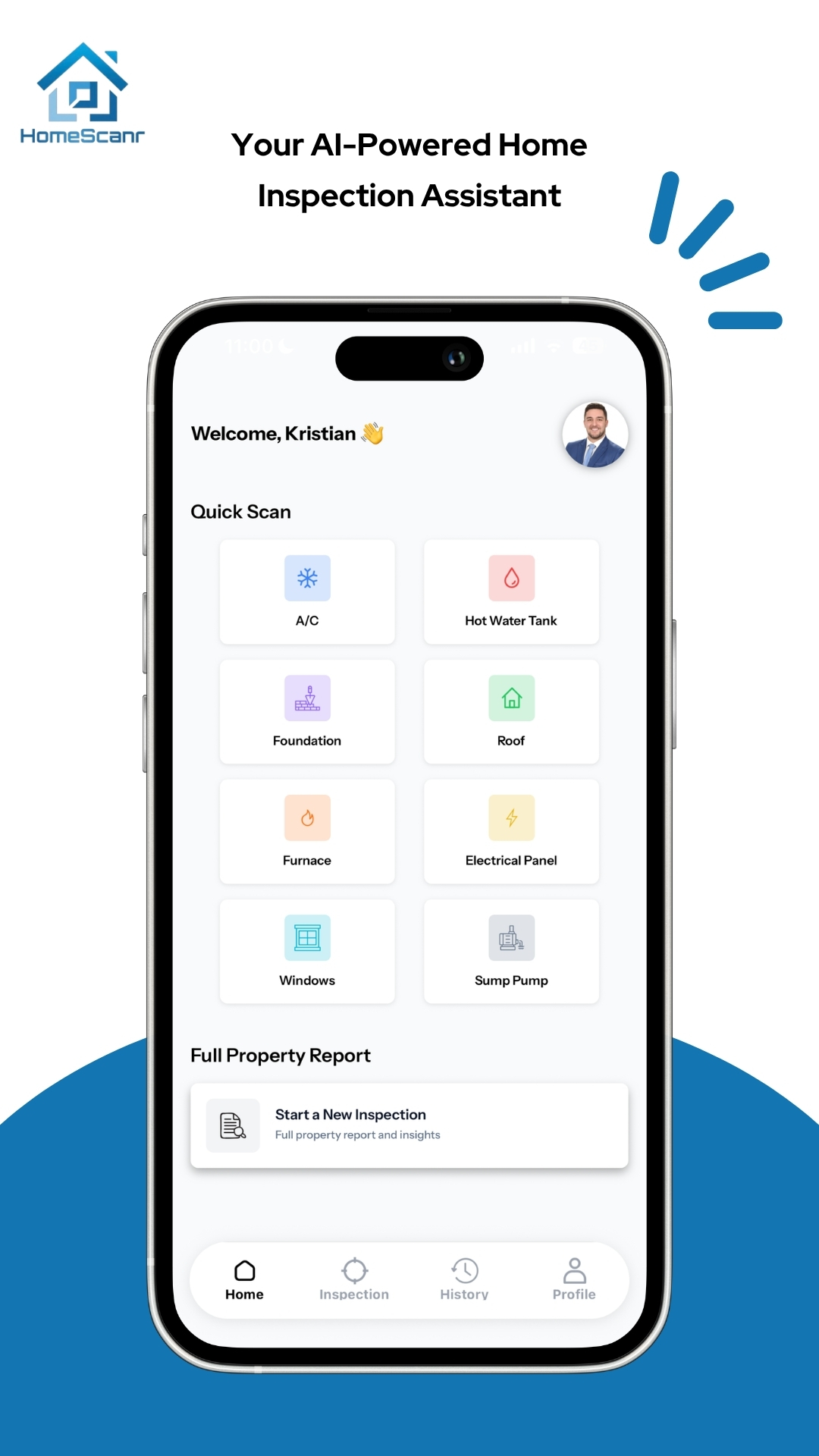
HomeScanr’s Quick Scan workflow is intended for specific components and questions. Use it during a walkthrough when a buyer asks about a particular system, then decide what needs confirmation. A scan is a starting point for the conversation; it cannot establish everything about equipment condition from a photo.
A broader record for the property
Choose the guided full-report workflow when you want to work through the home’s major systems and organize the observations in one place. It is a different task from answering a single label question.
HomeScanr offers branded, shareable PDF reports. Before sharing one, check that the property details and photos match the home you just visited. Add your follow-up questions to the client conversation rather than presenting uncertain findings as settled facts.
A simple showing workflow
- Before the showing: decide which questions matter most to your buyer.
- During the showing: use a Quick Scan for a focused question and keep context photos together.
- If a fuller overview is useful: follow the guided report flow rather than assuming a few scans cover the entire property.
- After the showing: review the output, list unresolved questions, and request service records or professional advice where needed.
Keep the handoff honest
Use three labels in your own notes: observed, AI-assisted, and still to verify. This makes it easier for a buyer to understand why a photo is useful without mistaking an automated observation for a completed professional evaluation.
HomeScanr provides photo-based AI assistance. It does not replace a certified home inspection. The useful outcome is a more focused next conversation—not a promise that the home has no hidden issues.
Sources & further reading
- HomeScanr product description on the App Store ↗Checked Oct 31, 2026
Product walkthrough. This is an illustrative workflow, not a customer testimonial. Prepared with AI assistance using HomeScanr’s supplied product information and linked sources.