Find the accessible exterior label
Look for the manufacturer’s nameplate or rating-plate sticker on the outdoor unit. Lennox’s cooling-system guidance places its model and serial label near the service panel. Carrier describes its outdoor-system rating plate as being on the back, near the service-valve connections. The exact location depends on the equipment.
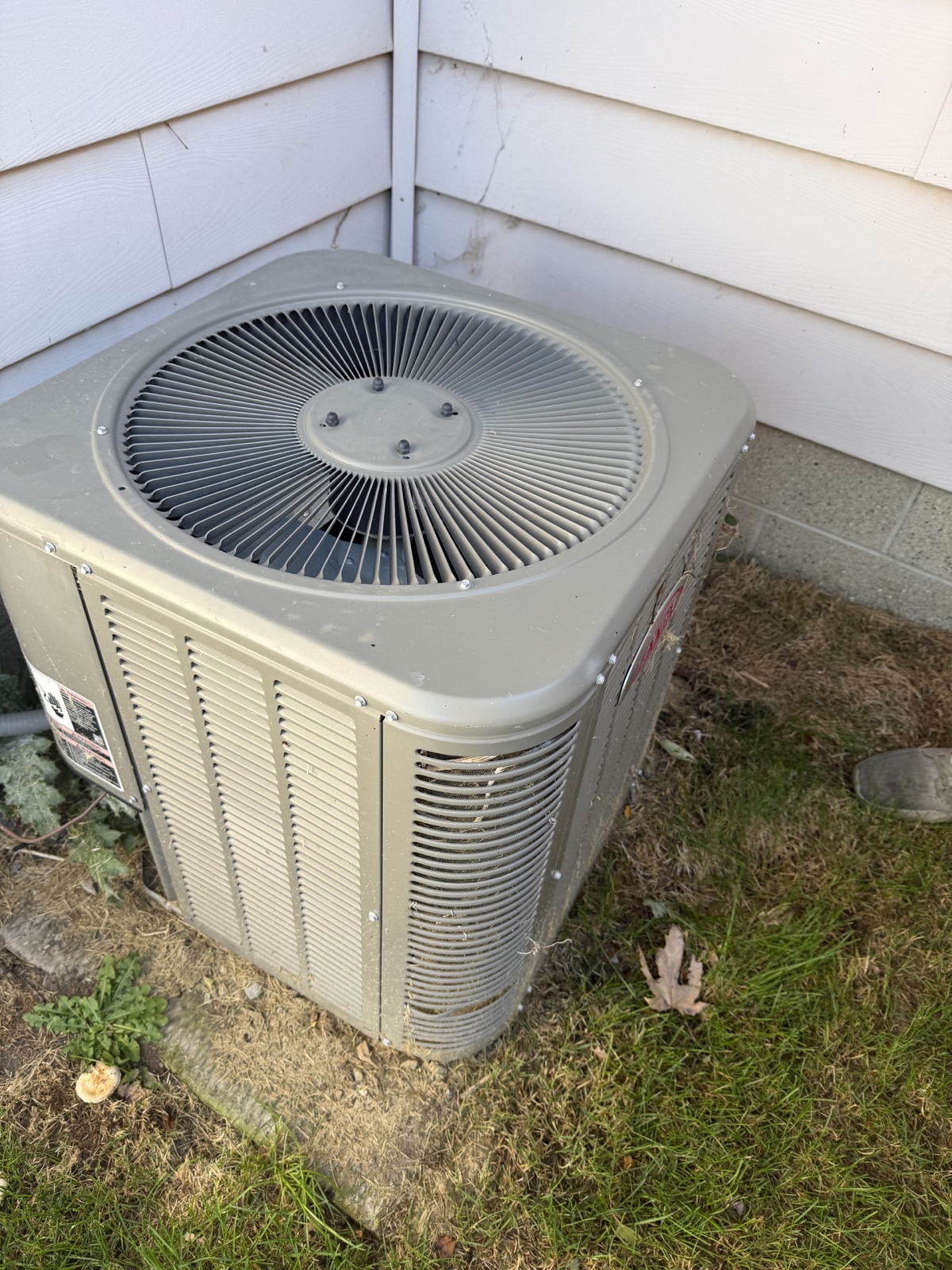
Photograph the accessible exterior label with the cabinet panels closed. Take a wide view first, showing the unit and a nearby location marker such as the wall or window. Keep it beside the label close-up.
Check these fields before leaving
Retake the photo if glare covers a character or the label’s edge is cut off. Keep the original even if you make a cropped copy for your notes.
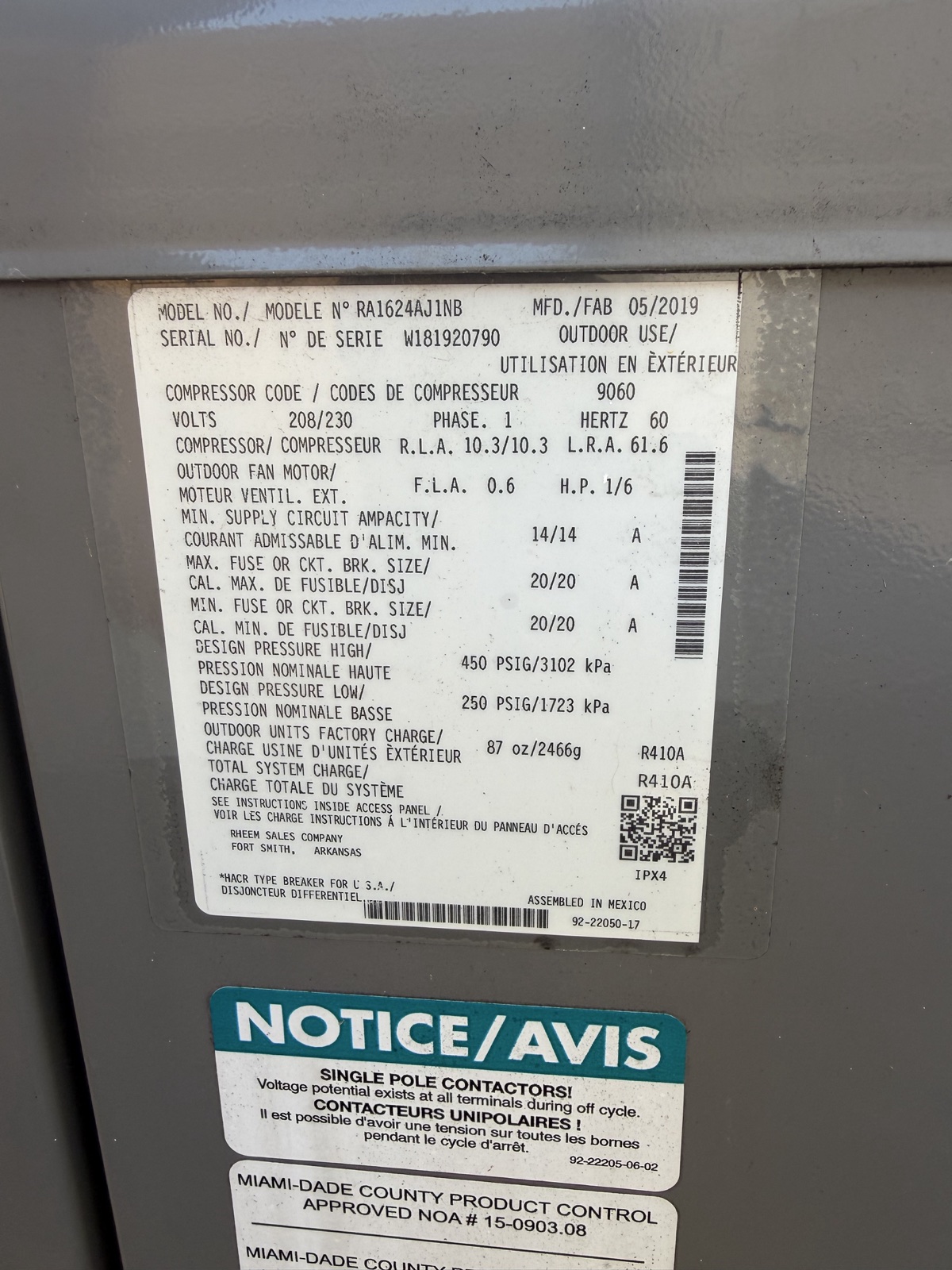
- Manufacturer or brand. Capture the brand marking too if it sits outside the nameplate.
- Complete model number. Keep letters, numbers, suffixes and dashes in view.
- Complete serial number. Zoom into the photo to check that individual characters remain readable.
- Any printed manufacture-date field. Preserve the field heading as well as the date.
- Property and unit location. If there is more than one outdoor unit, take a separate wide photo and label photo for each.
Read the date in its context
In the field photo above, the heading MFD/FAB appears beside 05/2019. You can record that as a printed manufacture date of May 2019. To establish the installation date, ask for an installation invoice or record that identifies this unit.
If a label has no printed date, keep that field open in your notes and send the manufacturer or installer the complete model, serial number and original photo for confirmation. A partly readable serial number gives them an uncertain starting point.
Bring the photo into your follow-up
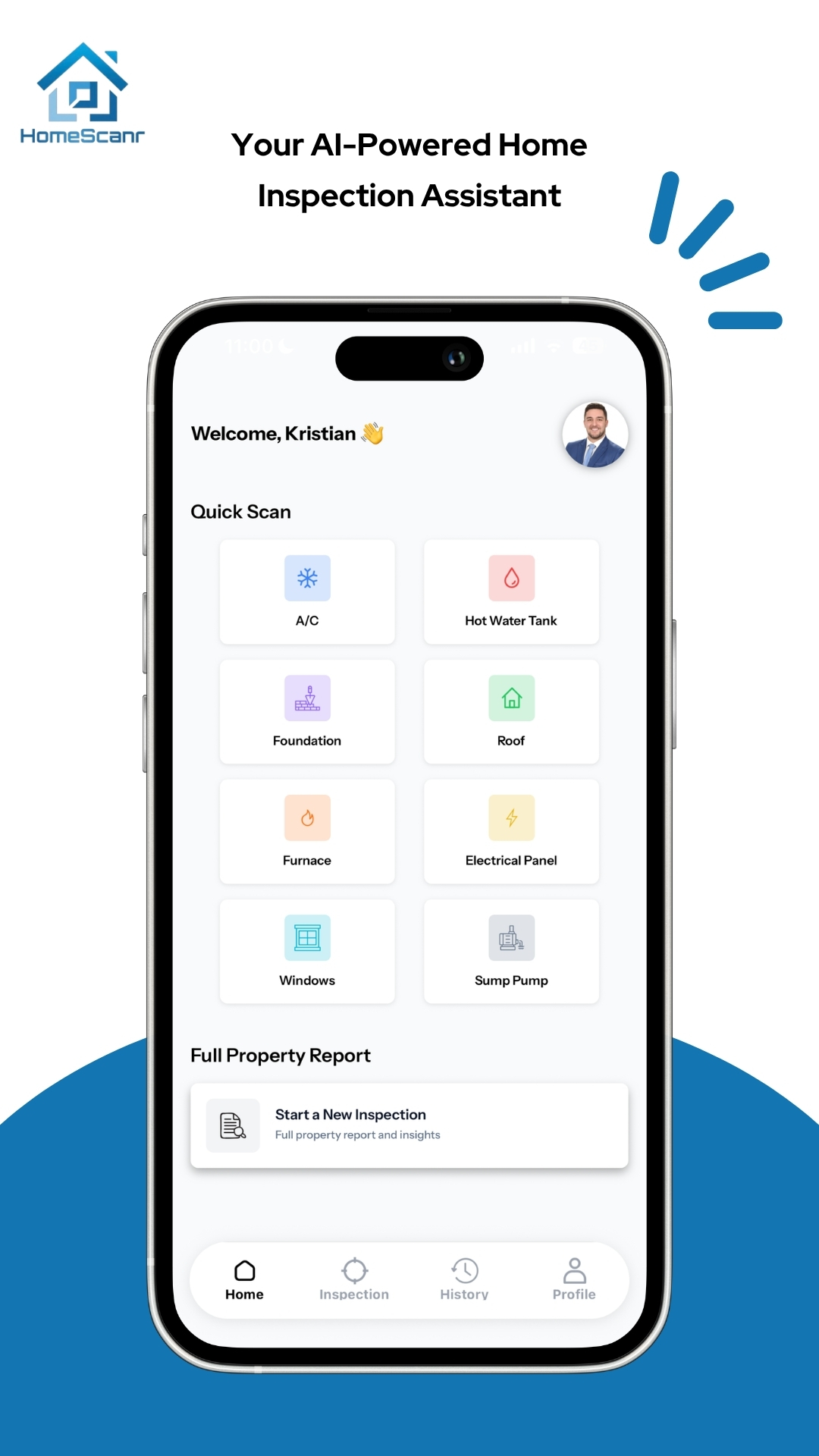
HomeScanr’s dashboard includes an A/C Quick Scan category. For a focused question about a visible feature, keep the context photo and label available when reviewing the response. Check any extracted equipment details against the original.
A useful message to the seller or installer is “Could you provide the installation record for the outdoor unit shown in these photos?” Include the property, unit location and readable model and serial details so the recipient can match the request.
Sources & further reading
- Lennox guidance on locating cooling-system model and serial numbers ↗Checked Nov 13, 2026
- Carrier guidance on locating a product rating plate ↗Checked Nov 13, 2026
- HomeScanr product description on the App Store ↗Checked Nov 13, 2026
Prepared with AI assistance using the linked manufacturer guidance, an owner-supplied field photo and an actual HomeScanr screenshot. The May 2019 date is printed on the photographed label. No serial-number decoding, installation-date verification or condition assessment was performed.