1. Request the document behind the service date
Ask the owner, through the appropriate contact for the showing, for the most recent furnace service work order. If it refers to a repair or return visit, request that record too. An installation invoice is a separate request when you want to establish when the unit was installed.
ENERGY STAR recommends annual checks before the heating season, while Carrier recommends professional furnace service at least annually. These are maintenance recommendations, not proof of what happened at this property. Ask which schedule applies to the actual model and when the last visit took place.
2. Make sure the record belongs to this unit
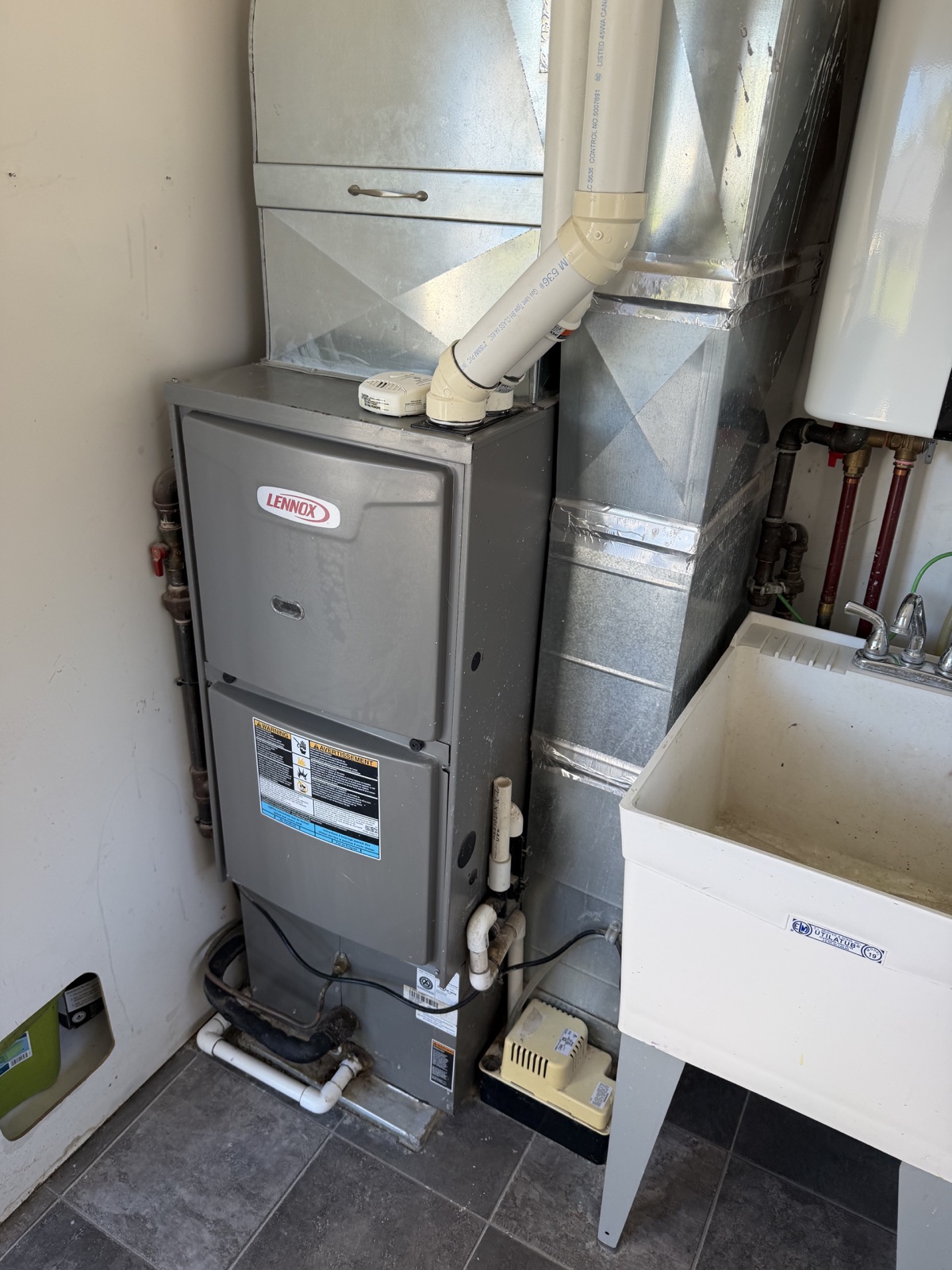
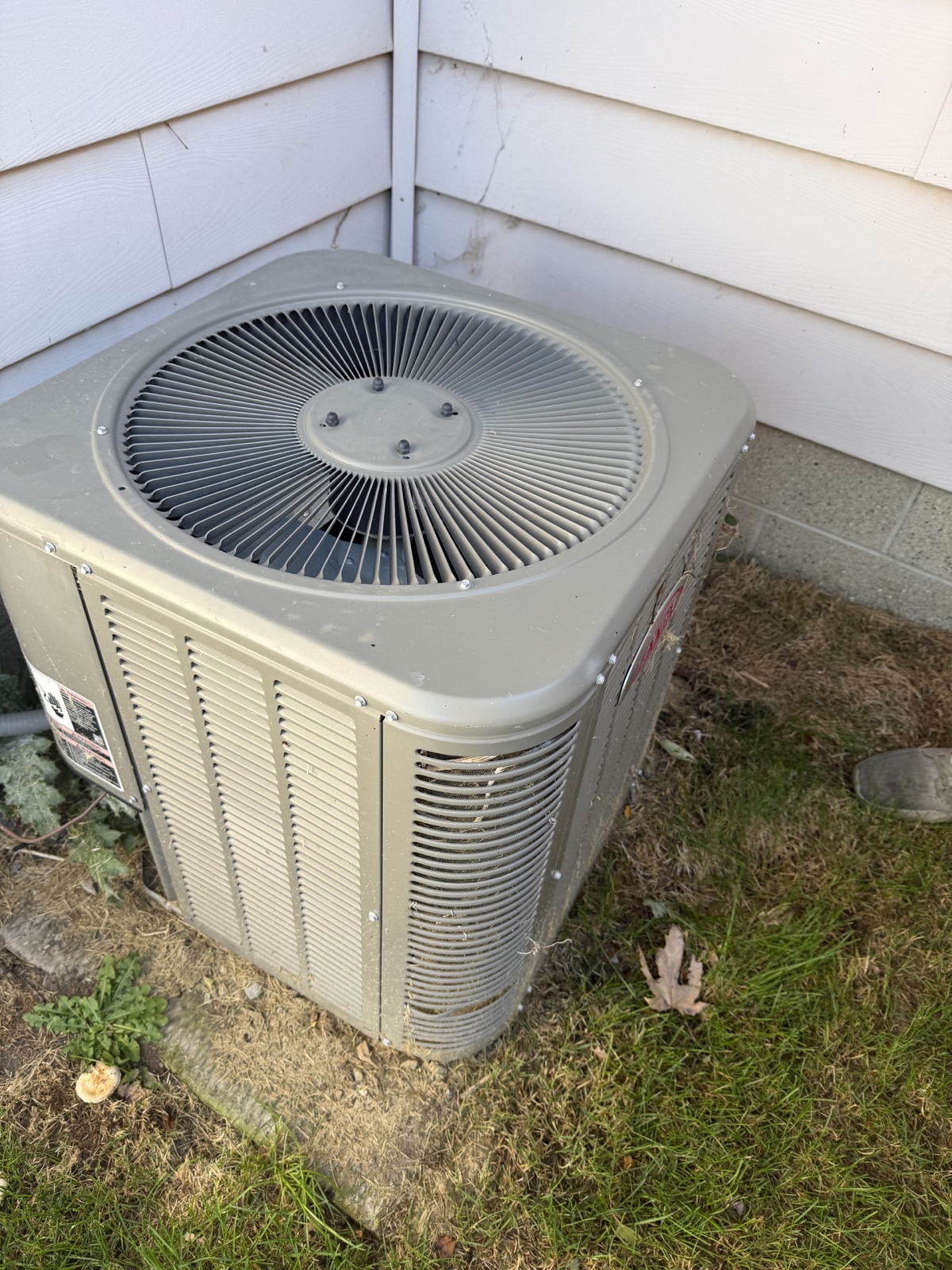
Compare the property address and equipment description with your showing notes. Look for a manufacturer, model or serial number that connects the work order to the furnace you saw. A house may have more than one heating unit, and an old invoice may refer to equipment that has since been replaced.
Where a record lacks identifying details, ask the owner or servicing contractor to clarify which unit it covers. Keep an accessible label photo for comparison. A manufacture-date lookup answers a different question from an installation invoice or a service record.
3. Read what was done, not just the word ‘serviced’
Look for the visit date, contractor name, stated reason for the visit, work performed and technician comments. A payment receipt with no work description leaves different questions from a detailed maintenance checklist.
Carrier’s service guidance covers areas such as controls, airflow, combustion components, the heat exchanger and venting. The work appropriate to a particular furnace depends on its model and requirements. Use that guidance to ask what a document covers; do not assume every item was checked just because the invoice says ‘tune-up’.
- Was the visit routine maintenance, a repair or a response to a reported problem?
- Does the record describe the checks or work performed?
- Were parts replaced, further work recommended or any issues left unresolved?
- If a return visit was recommended, is there a later record showing what happened?
4. Turn gaps into a specific follow-up
Try this request: ‘Please provide the latest service work order for the furnace at this property, including the equipment identification, work completed and any recommended follow-up. If another visit or repair followed, please include that record as well.’ This is a suggested request, not a quotation from a customer.
If no document is supplied, write ‘Service record not supplied’ in your notes. That does not establish that maintenance never happened. If a recommendation has no completion record, mark its status as unknown and raise that precise question with your inspector or a qualified HVAC professional.
5. Keep records and current condition as separate questions
A service record describes a past visit. It does not establish the furnace’s condition today or predict its remaining life. Bring the documents and unresolved questions to the professional evaluating the property so they can explain what their assessment covers and whether specialist follow-up is needed.
HomeScanr can support your photo-based preparation and property conversations. Review AI-assisted insights alongside the original photos, and request service documents separately. The app does not authenticate maintenance records or replace a certified home inspection.
Sources & further reading
- ENERGY STAR: maintenance checklist and seasonal contractor checks ↗Checked Nov 4, 2026
- Carrier: furnace service scope and recommended frequency ↗Checked Nov 4, 2026
Prepared by HomeScanr with AI assistance using the linked official and manufacturer guidance. The document-request checklist is HomeScanr’s suggested buyer workflow, not a mandatory record standard, a customer story or a professional assessment of a particular furnace.