A furnace serial number lookup, step by step
- Find an already accessible label and capture the brand, model and complete serial number. Keep covers closed during a showing; ask the seller or an HVAC professional if the plate is hidden.
- Check for a clearly printed manufacture date. If you need a serial-number interpretation, use documentation for that manufacturer and format.
- Compare every character in the photograph with the number you enter. Keep any uncertain character marked as uncertain.
- Record the source and the manufacture date it supports. If the format is unfamiliar, request manufacturer confirmation instead of applying another brand’s rule.
Worked example: one documented Lennox format
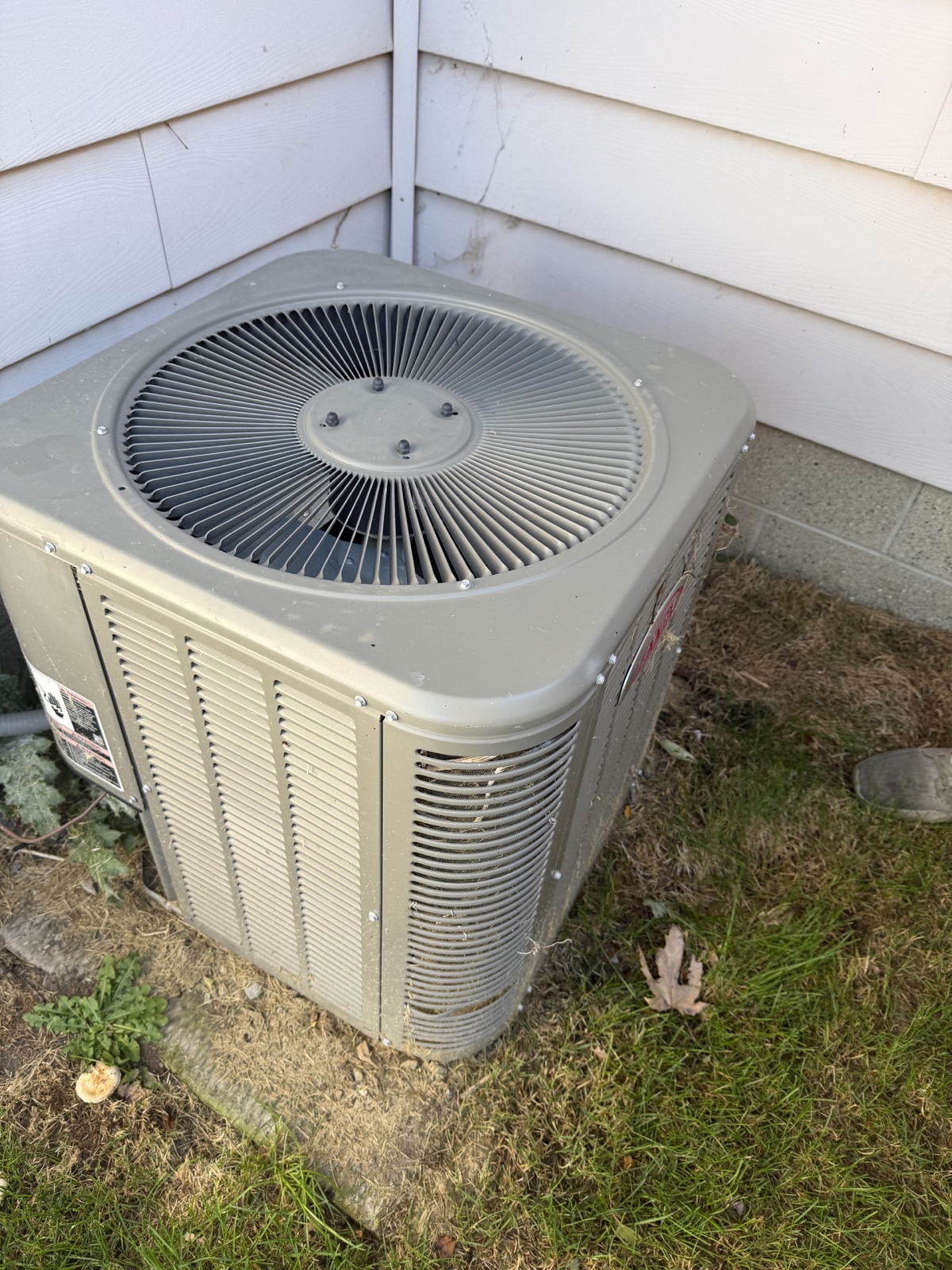
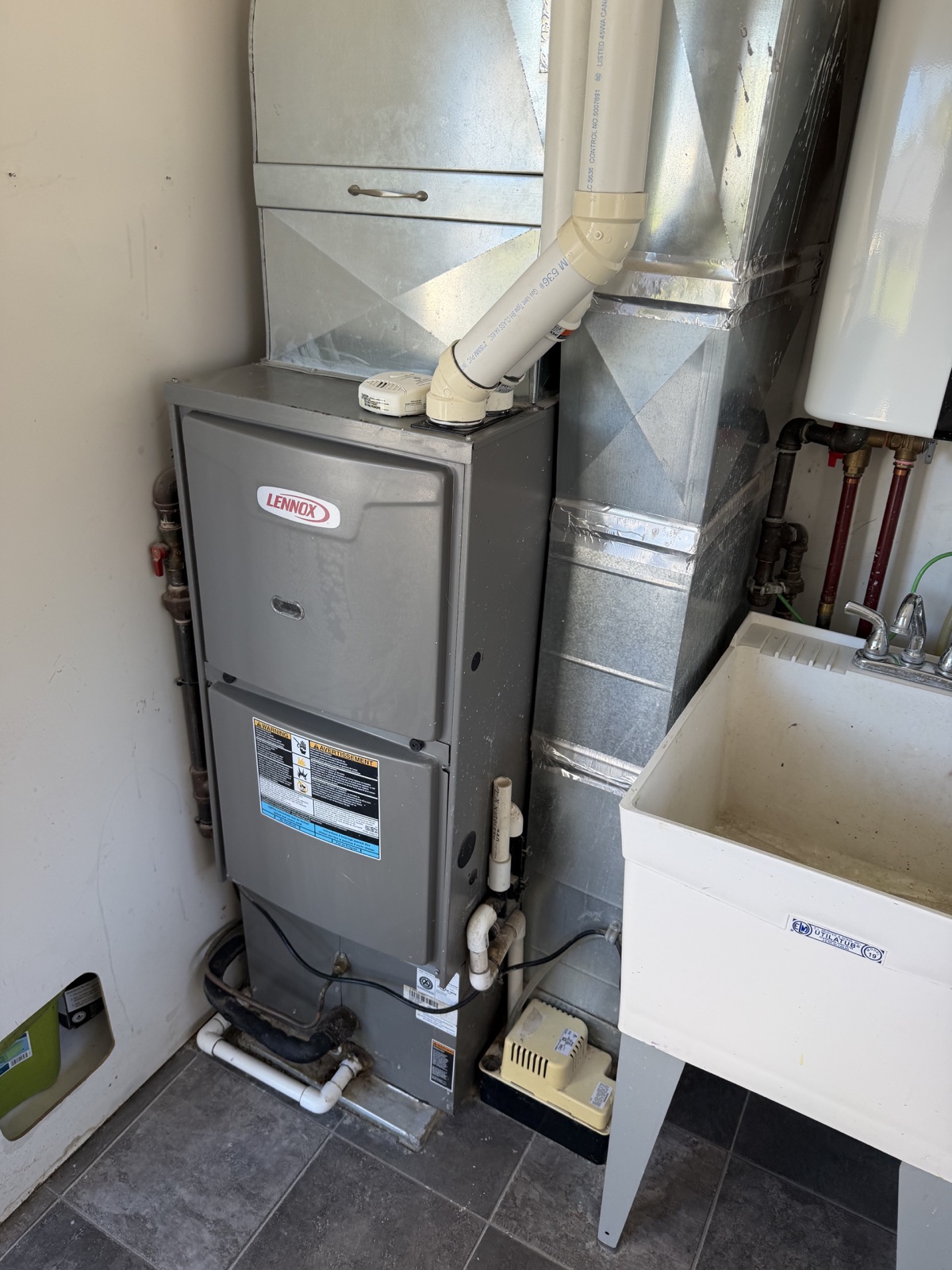
This fictional serial, 5921C12345, illustrates the layout in Lennox’s model and serial identification guide. It is not a reading of the furnace pictured above or a result from a customer scan.
Read it in groups: 59 / 21 / C / 12345. In that documented layout, 59 is a manufacturing-location code, 21 identifies 2021, C identifies March, and the final digits distinguish the unit. The resulting manufacture date is March 2021.
Use this example only when the unit’s manufacturer documentation confirms the same format. It does not establish the installation date or condition. Older or different serial layouts need their own reference; do not force a match.
How old is my Carrier furnace?
Start with the furnace rating plate. Carrier Canada says it is inside the front door panel on its furnaces. During a showing, ask the owner or an HVAC technician for a clear photo if the plate is behind the panel. Capture the complete model and serial fields from the same furnace. An outdoor air conditioner may have its own Carrier label and a different serial number.
If the photo shows a clearly marked manufacture date, record it with the serial number. Otherwise, send the model and full serial to Carrier Canada or the installing dealer. Carrier’s support form asks for the serial number for existing equipment. A question you can copy is “Can you confirm the manufacture month and year for this furnace from its model and serial number?”
- If the reply gives a manufacture date, save the reply with the label photo and note whether it confirms a month or only a year.
- If the only date you find is on an installation invoice, verify that the invoice identifies the same furnace and record it as the installation date.
- If a warranty record is your only source, use it for coverage questions. Leave the manufacture date open until the label or a manufacturer record confirms it.
Where to verify your result
For Lennox, the manufacturer’s identification guide linked in Sources documents the example above.
For another brand, use its official support or dealer with the full model, serial and label photo. Ask specifically for the manufacture date and keep the reply or document beside your notes. You can use these manufacturer routes without purchasing HomeScanr.
Capture the useful details together
If the label is already safely visible and you have permission, take one photo that includes the brand, model, and full serial number. Check the photo before moving on: glare, a cut-off digit, or a soft close-up can turn a useful record into another callback.
Carrier identifies the rating plate as the location of its equipment serial number. Label location and serial formats vary across products, so use the relevant manufacturer’s guidance. If the label is not accessible during the showing, ask the seller or an HVAC professional for the details instead of dismantling equipment.
A dim-room photo routine you can use at the showing
Start with a wider photo showing which unit the label belongs to. Then take a separate close-up with the entire label inside the frame. Keep the camera as square to the label as the available space allows; do not lean on the equipment or move its components to get a better angle.
Use the room lighting where available. On iPhone, tap the label on the camera screen to choose the focus area and adjust exposure if the text looks too dark or washed out. On supported models, Night mode can help in low light; Apple recommends holding the phone still until capture finishes. Camera controls vary by phone.
- Glare across the serial number? Change your position or the light angle slightly and take another photo. Check that the glare has moved off the characters.
- Soft or blurry lettering? Steady the phone, tap to focus, and retake. If the camera cannot focus close up, step back a little and check the result.
- A missing edge or unclear character? Include the full label again. Open the saved image and zoom in to check every letter and digit before leaving.
Keep a useful record when a retake still does not help
Save the original label photo beside the wider context image. If you type the model and serial number into your notes, compare the transcription with the image and mark any unreadable character as uncertain. Do not fill in a missing digit or assume that a letter O is a zero.
A faded, obstructed or inaccessible plate is a follow-up question. Ask for a clearer photo, installation paperwork or manufacturer help. A clearer image improves the evidence you can review; it does not by itself confirm an equipment age.
Do not mix up the dates
Record the question precisely: are you trying to establish when the unit was manufactured, when it was installed, or when it was last serviced? Keep the source beside each answer. A decoded serial number, an installation invoice, and a service receipt are different pieces of evidence.
An equipment-age interpretation should be checked against the manufacturer’s information or a qualified HVAC professional. Avoid treating an uncertain character in a photo as an exact date.
Use Equipment Age Decode to keep the task focused
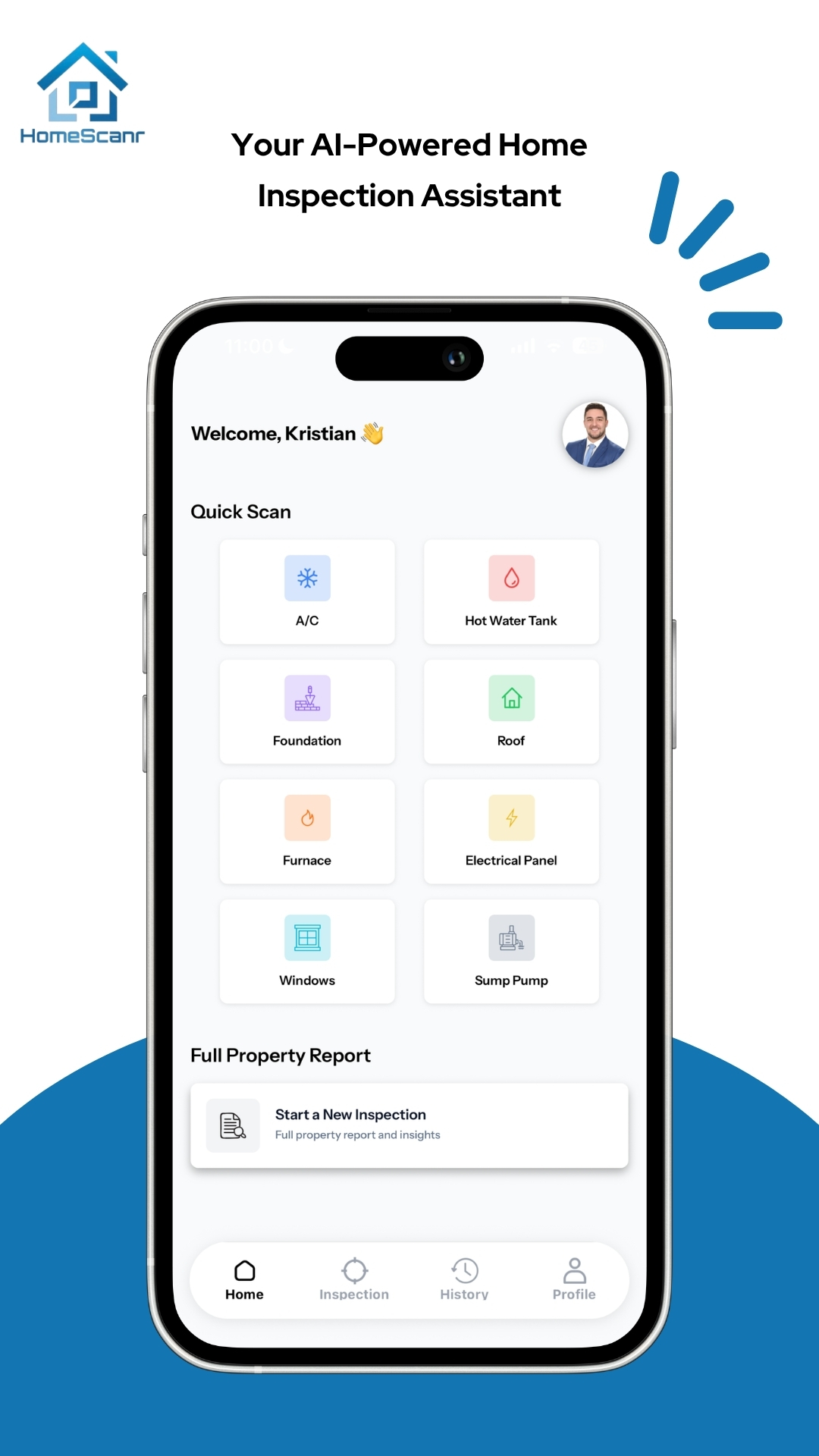
In HomeScanr, choose Equipment Age Decode and the relevant equipment category, then capture a readable label. Review the brand, model and serial read from the image before relying on any date interpretation. Keep the original photo for comparison.
If the label cannot be read, the brand is unsupported or the serial format is not recognized, leave the date unconfirmed and use the manufacturer route above. A paid app result does not remove the need to verify uncertain details. Availability and usage limits are shown in the app.
This describes the product workflow, not a tested scan of the fictional serial above or a customer outcome. Photo-based AI assistance does not replace an HVAC assessment or certified home inspection.
Age is one fact, not a condition verdict
A useful follow-up is a short evidence list: label details, available installation records, available maintenance records, and questions for the HVAC professional. This keeps the discussion practical without predicting a replacement date from age alone.
For your buyer, an honest answer might be: ‘Here is the label information we captured. This is the age interpretation we still need to confirm. Let’s ask for the service records and have the equipment assessed.’ That is more useful than a confident estimate with no source.
Sources & further reading
- Lennox: Model and serial number identification guide, serial layout on page 9 ↗Checked Nov 3, 2026
- Carrier Canada equipment serial number and warranty FAQs ↗Checked Nov 9, 2026
- Carrier Canada customer support for existing equipment ↗Checked Nov 9, 2026
- Carrier: Furnace age and service-history considerations ↗Checked Oct 31, 2026
- Apple iPhone User Guide: Adjust focus and exposure ↗Checked Nov 2, 2026
- Apple iPhone User Guide: Take Night mode photos ↗Checked Nov 2, 2026
Equipment documentation guidance, not a diagnosis or replacement recommendation. The serial example is fictional and follows the linked Lennox document; it is not a live app test or an interpretation of the field photo. Updated with AI assistance and manufacturer sources.