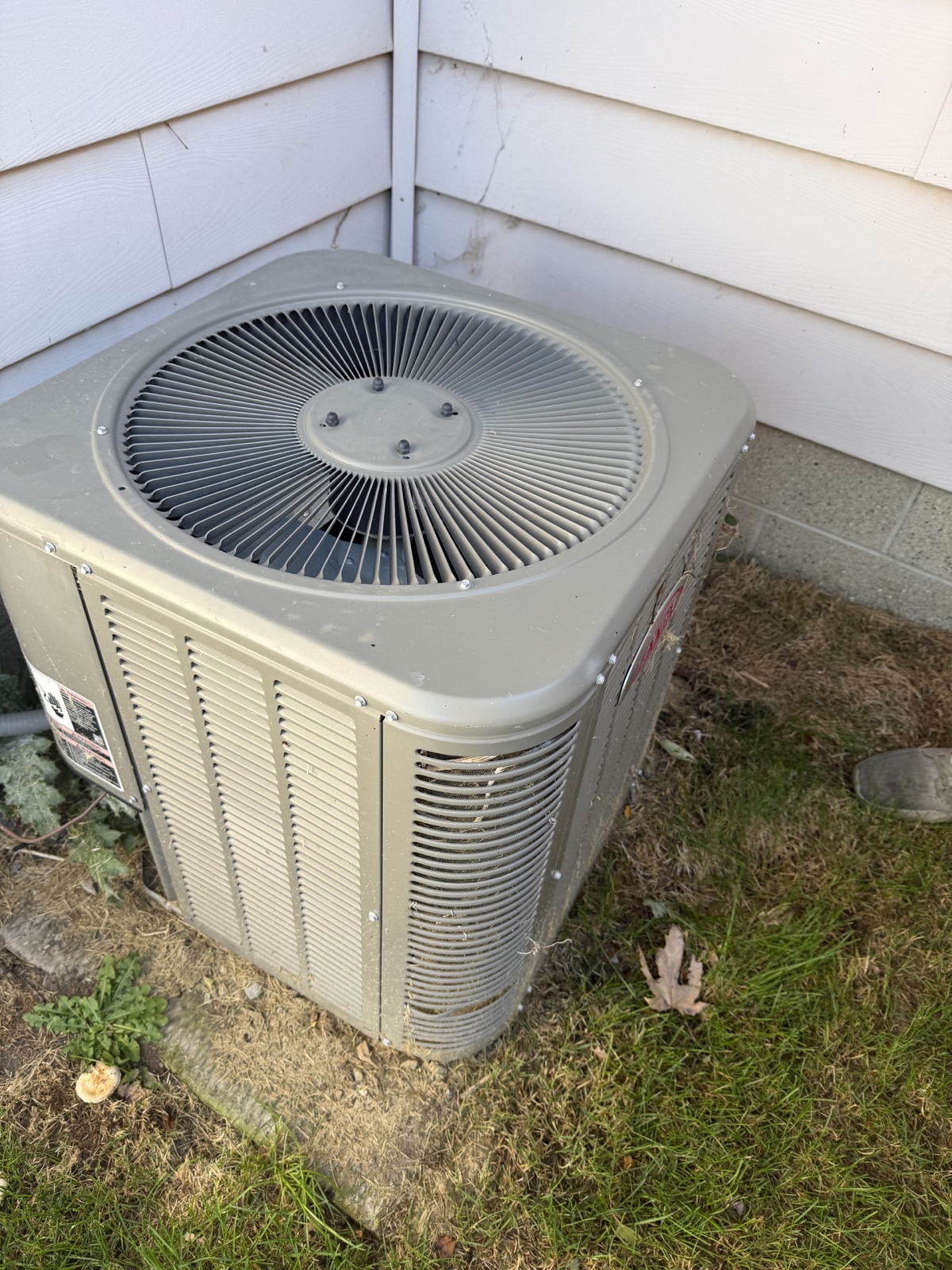
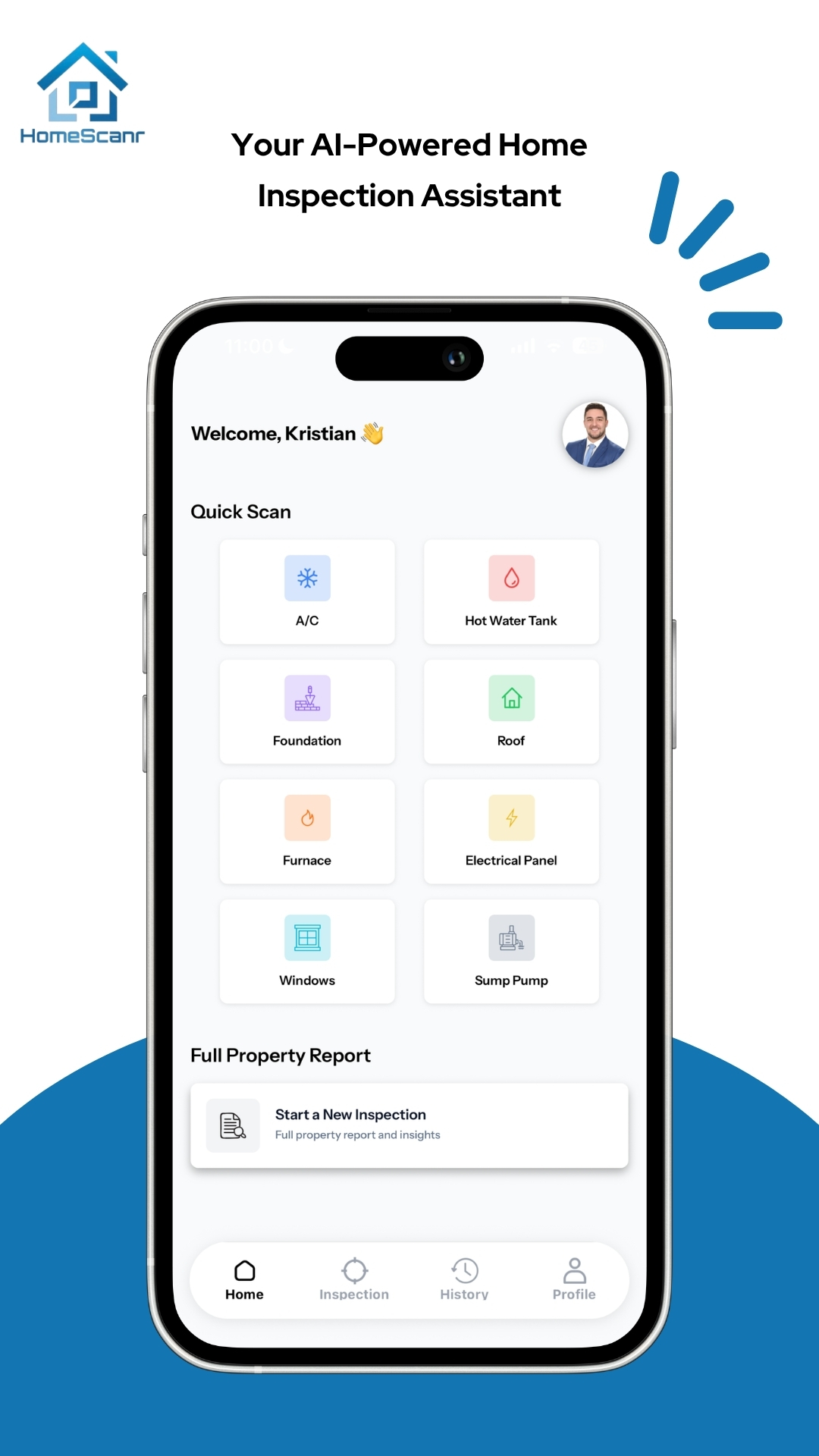
Match the report to the showing
Open the saved report for the property. Confirm the address or unit number and compare the photos with the ones you took during that showing. If you visited two similar units, check a wide photo as well as the label close-up. A readable equipment label is useful only if it belongs to the right home.
Check the finding against the original photo
Read the report’s observation and look at the corresponding photo. In this example, you can see a mark below the water heater. A photo alone leaves open when it appeared, whether the area is currently wet, and what caused it. Ask a specific question such as “Has anyone checked this area for an active leak?” and point the buyer to the photo you’re referring to.
If the report wording goes further than the evidence, pause before sharing it. You can share your verified observation and follow-up question separately. A qualified home inspector can assess the property in person and help determine which concerns need further evaluation.
Check a date claim against the field heading
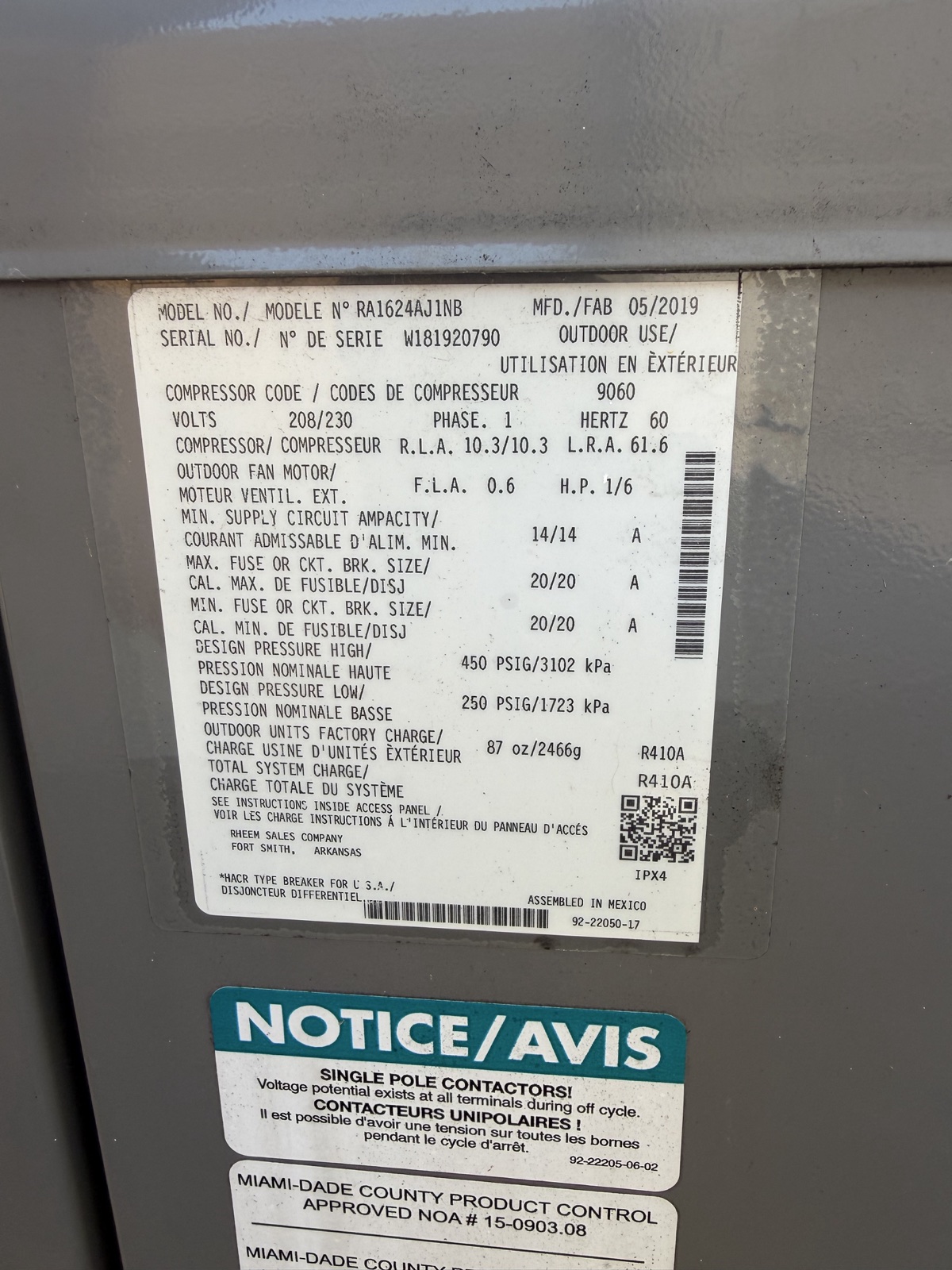
The owner-supplied outdoor-unit photo below prints MFD/FAB 05/2019. For this review exercise, suppose a draft report describes that unit as installed in May 2019. That draft wording is hypothetical.
Match the equipment in the photo to the report, then check each part of the claim.
- Find the date and its heading together. On this label, MFD/FAB identifies a manufacture-date field.
- Record the supported detail as a printed manufacture date of May 2019.
- Keep the installation date open until an installation invoice or another record identifies when this unit was installed.
Write the verification gap into the handoff
For that date example, a message could read, “The outdoor-unit label prints MFD/FAB 05/2019. The installation date is still unverified. Could you provide an installation record for this unit?” Attach the readable label and a context photo so the recipient can identify the equipment.
For the water-heater mark, keep the observation tied to its location and ask the inspector to assess it in person. The Office of Consumer Affairs explains that a home inspection is limited by what the inspector can see and access. If access prevents a check, keep that question open for follow-up.
If a report or PDF still states more than you can verify, hold that file. Share the checked observation and question separately, then review the evidence again before sending any revised report. Check the actual exported file as well as the on-screen summary.
Open the PDF you plan to send
- Generate the PDF from the reviewed report and open the exported file.
- Check the property details on the PDF and skim through every page. Zoom in on any photo or label the recipient will need to read.
- Check who will receive the PDF and whether the file includes personal information they don’t need. If it does, hold the export and share only the information needed for the follow-up.
- Include the open question in your message so the recipient knows what still needs verification.
Sources & further reading
- HomeScanr product description and PDF reporting on the App Store ↗Checked Nov 19, 2026
- Office of Consumer Affairs guidance on home inspection access limits ↗Checked Nov 19, 2026
- CMHC’s Homebuying Step by Step guide, home inspection section ↗Checked Nov 6, 2026
- Office of the Privacy Commissioner of Canada guidance on limiting disclosure ↗Checked Nov 5, 2026
Illustrative product walkthrough using a HomeScanr dashboard screenshot and an owner-supplied equipment-label photo. The water heater example and draft report wording are hypothetical. The MFD/FAB 05/2019 date is printed on the photographed label. Updated November 19 with the date-claim review and a sample handoff. Prepared with AI assistance using HomeScanr’s product information and linked sources.