Start with what you can see
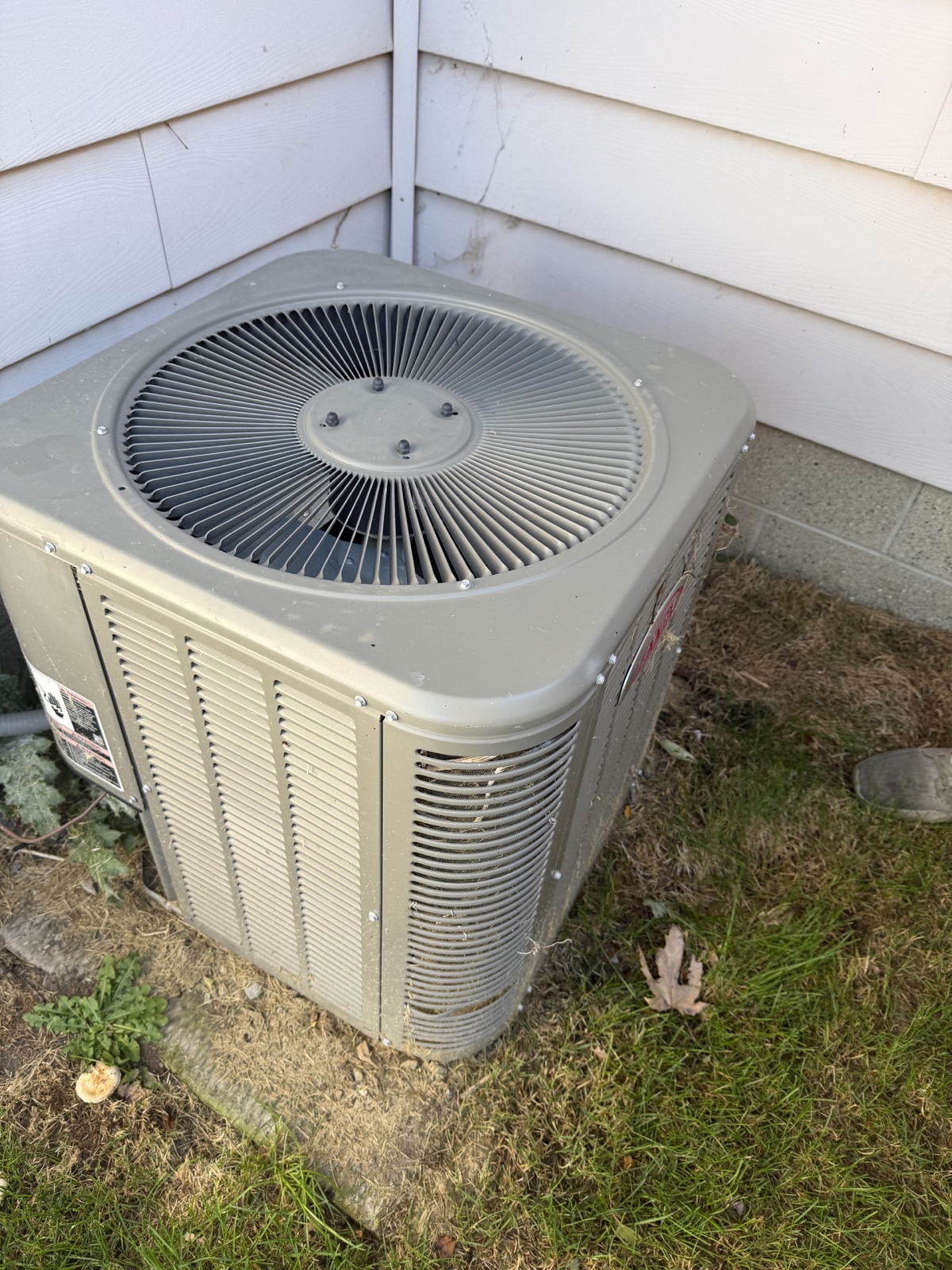
If a furnace label is legible, capture the model and serial number. Compare any text the scan reads against your original photo. If glare covers a digit, try another angle. Mark it as unreadable if you still can’t make it out.
A manufacture date answers when the unit was made. Ask for the installation invoice if you need to know when it was installed, and ask for service records if you want to know what work was done.
Match each open question to the right evidence
- Ceiling stain. Take a wider photo that shows its location. Ask whether there are records of a leak or repair, and ask the inspector to assess the area in person.
- Roof area out of view. Mark the area as unseen and ask what access the inspector expects. Keep it on the follow-up list if access is limited.
- Equipment operation. Use the label photo to identify the unit. Ask the inspector what they can check during the visit and whether a specialist should assess a specific concern.
Bring a short list to the inspection
For each item, write the room or component, what the photo shows, and the question you still need answered. For a ceiling stain, your note could read “Upstairs hall, stain below the bathroom. Are there repair records, and can you assess the area for signs of current moisture?”
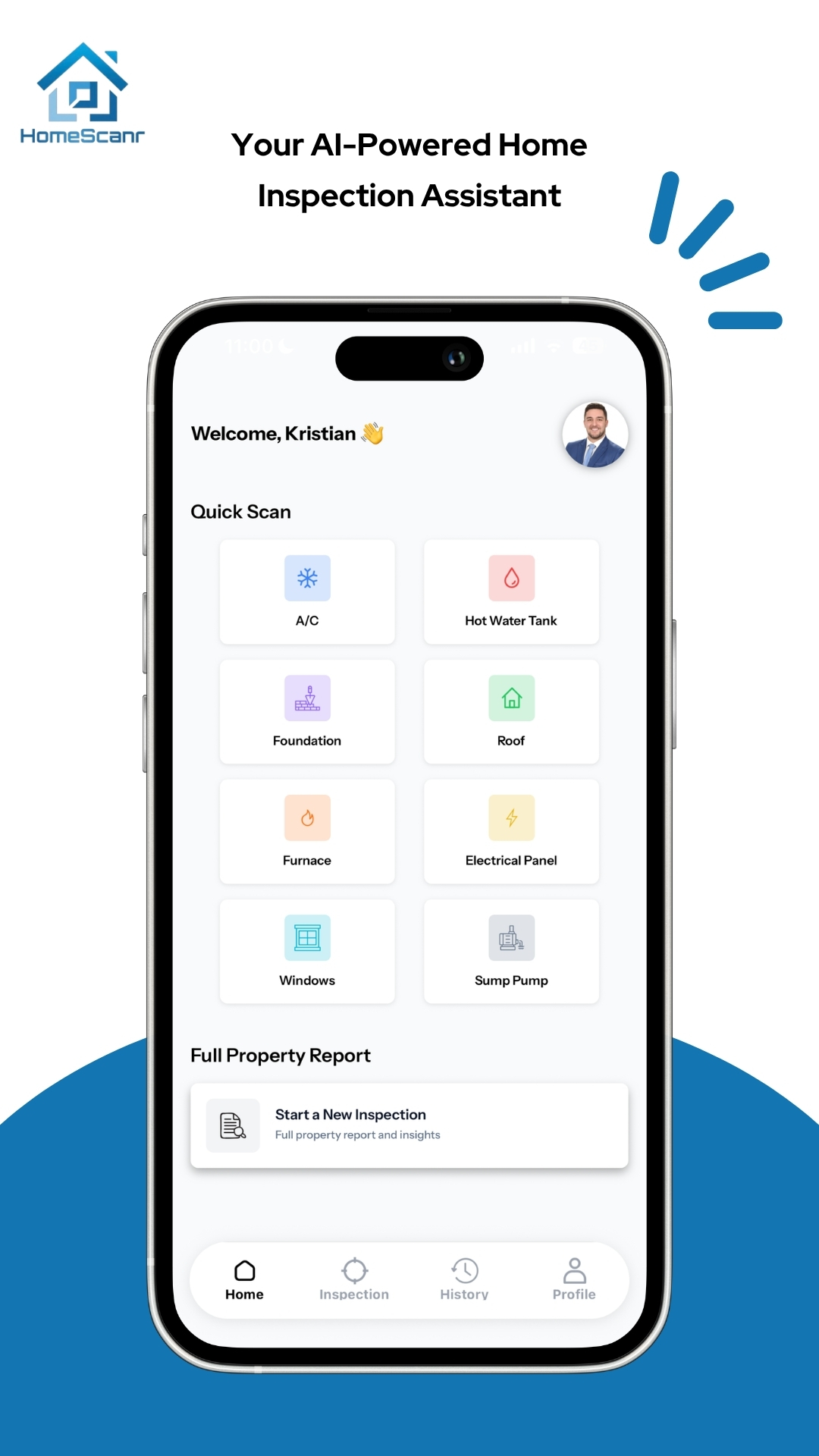
HomeScanr can help organize observations from photos. A qualified home inspector can examine accessible areas in person and advise when further assessment is needed.
Sources & further reading
- HomeScanr’s product description and scope on the App Store ↗Checked Nov 6, 2026
- CMHC Homebuying Step by Step guide, home inspection section ↗Checked Nov 6, 2026
The showing examples are hypothetical. Prepared with AI assistance using the linked sources and HomeScanr product information.